
Ages 4–9 · free app · no screen to play
Screen-free play that gets kids moving again.
Storyball is a ball that plays games out loud. It senses how it is thrown, shaken, spun and caught, and answers with sound, light and vibration. Children play it standing up and moving around, and there is no screen involved while they do. The stories and quests are what bring them back to it.
The app is free and pairs the ball. Once a game starts, the phone can go in a pocket.

- Screen time it adds
- None
- Movements it can name
- 100+
- Storyballs in the range
- 4
- In-app purchases
- Zero
Why a ball
Playing it means moving.
Storyball is both the game and the controller, and the controller has to be thrown, shaken or caught. There is no way to play it sitting still, and nothing is displayed while a game runs.
It is played standing up
- The games are built around throwing, catching, freezing, spinning and running.
- The motion sensors tell a real throw from the ball being waved, so a game cannot be passed by standing still.
- Several of the games are written for two or more children in the same room.
- The indoor games use stopping and starting rather than distance, so they work in a hallway.
No screen while it plays
- Nothing is displayed during a game. The phone is used to set up and to load content, and then put down.
- A story ends and a round finishes. Nothing starts automatically afterwards.
- There is no feed, no timeline and no advertising anywhere in the app.
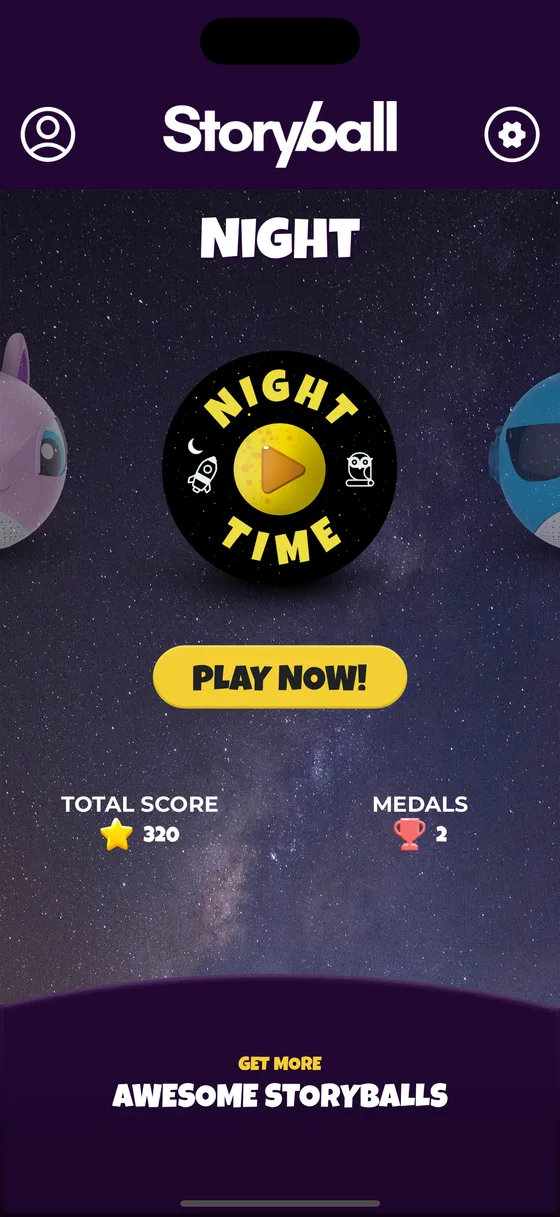
- Night Time is a quieter set of stories and games for bedtime, so the end of the day is covered too.
The storyballs
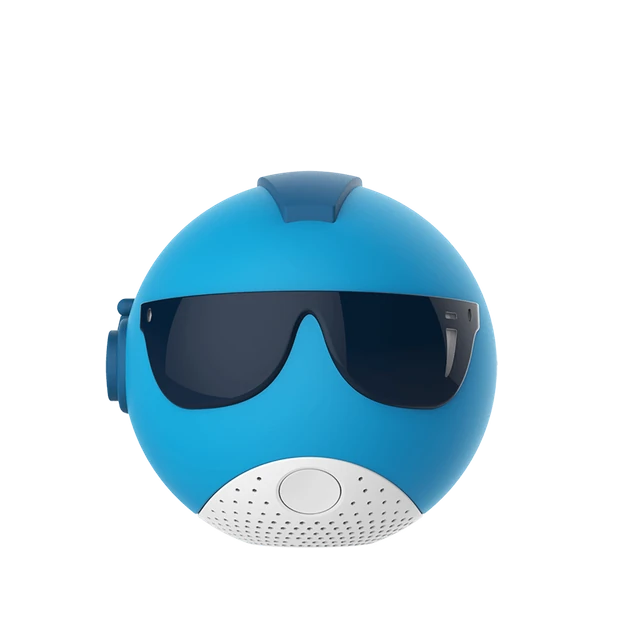
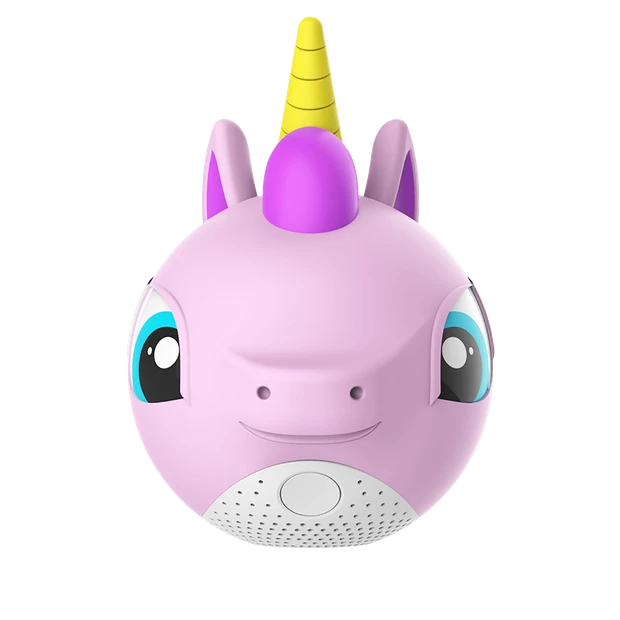
Four storyballs, four sets of games.
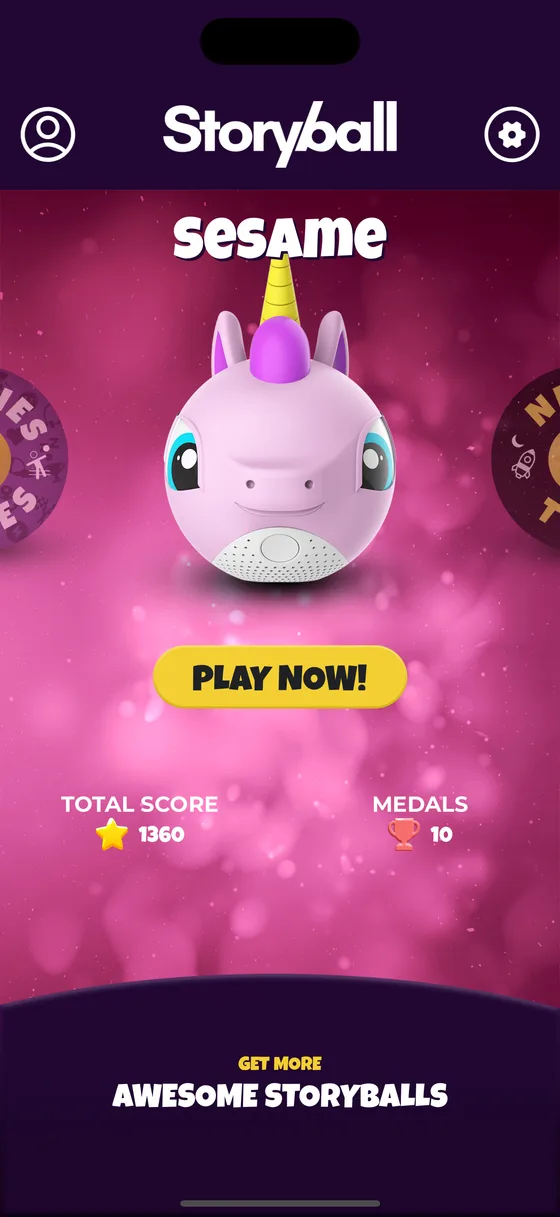
Each character is a skin that fits over the same ball and brings its own stories, quest and mini games. Changing the skin changes what the ball plays, which is what keeps it being picked up after the first fortnight.
How it works
Setting it up takes about four minutes.
-
Charge it and turn it on
A USB cable comes in the box. Hold the ON button — not the side button — until it wakes up and starts looking for a phone.
-
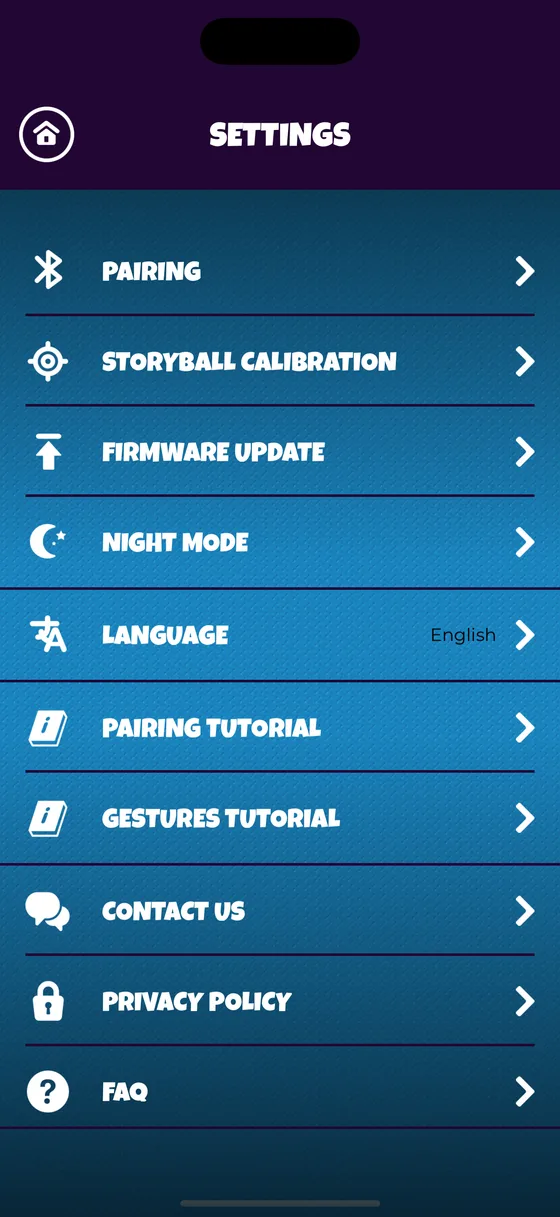
Pair it once, in the app
The free app finds the ball over Bluetooth and connects to it. This takes about a minute and it happens once; after that the two find each other on their own.
-
Pick a storyball
Each character is its own world of stories, quests and mini games. Choose one, and the app sends it down to the ball.
-
Put the phone down
Press play and the ball takes over: it tells the story out loud, gives the instructions, keeps the score and says who won. Nothing needs to be looked at.
What it can tell
It recognises more than 100 movements.
Motion sensors report many times a second, and the software turns those readings into named movements. That is what lets a game ask for a throw, a shake or a spin and know whether it happened.
- Throw and catch It knows it left your hand, and it knows whether it landed in one.
- Shake How hard, and for how long. Half the games are built on this one.
- Spin On the floor or in the air, and it counts the turns.
- Tap and twist The quiet answers — for a yes, a no, or a choice between two.
And answers out loud
A full speaker rather than a beeper, so it can tell a story. A ring of light, where the colour carries meaning inside the game. And vibration you feel through your hands when you have been caught, or have not jumped high enough.
While the phone sits still
Bluetooth holds about 30 feet with a clear line of sight, so the phone can be left on a counter for the whole game. It is not needed again until you want to load something else onto the ball.
The campaign film
Two minutes of it being played with
Filmed for the 2018 Kickstarter campaign. It shows character skins that were made for the campaign and never released; the four on this site are the ones that exist.
-
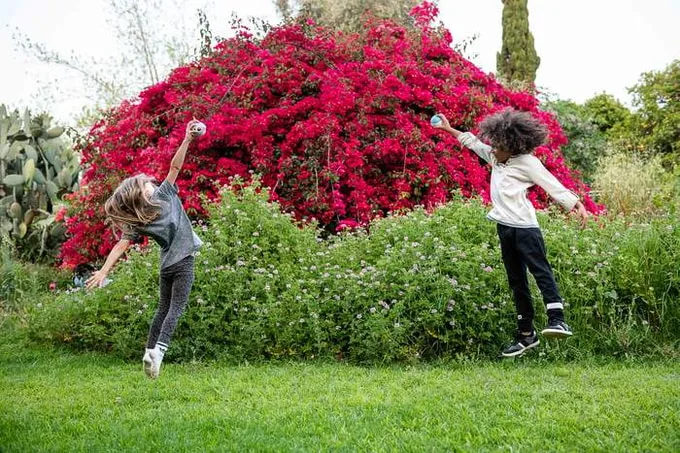
The game is in the garden, not on a screen. -
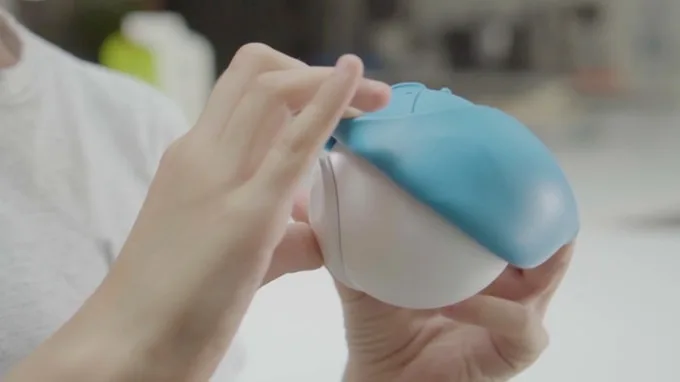
The skin stretches over the console. That is the whole mechanism. -
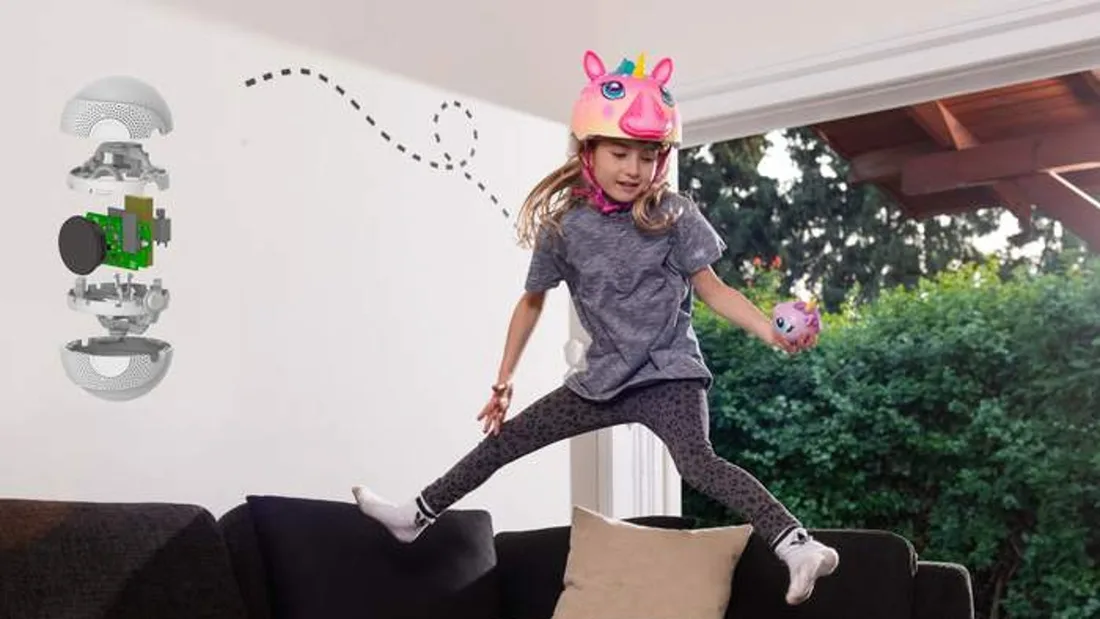
Made to be thrown, jumped with and dropped.
The app
For the grown-up, not for the child.
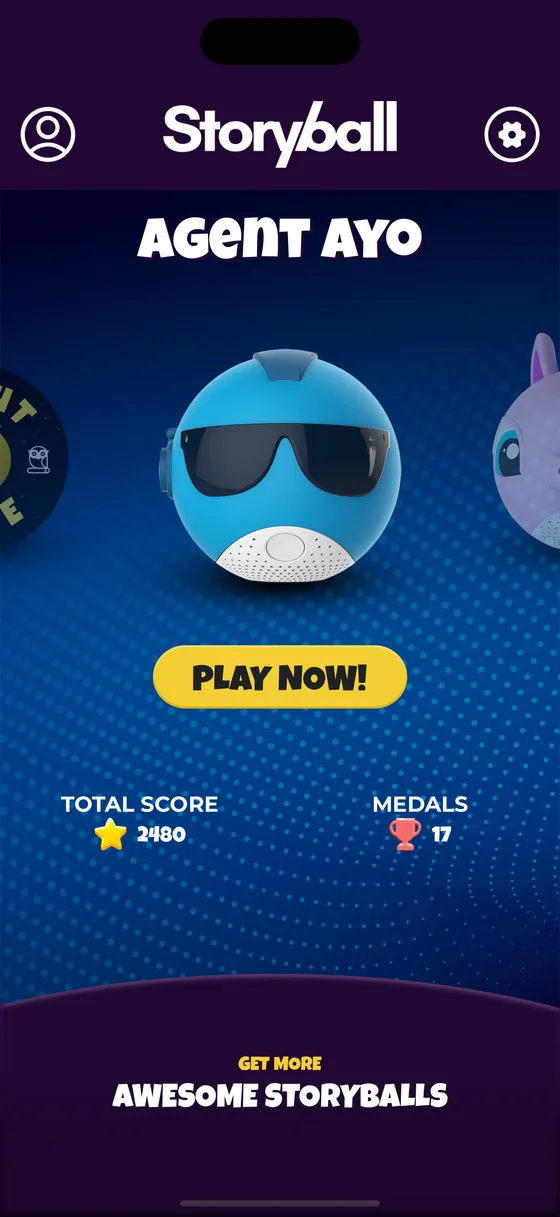
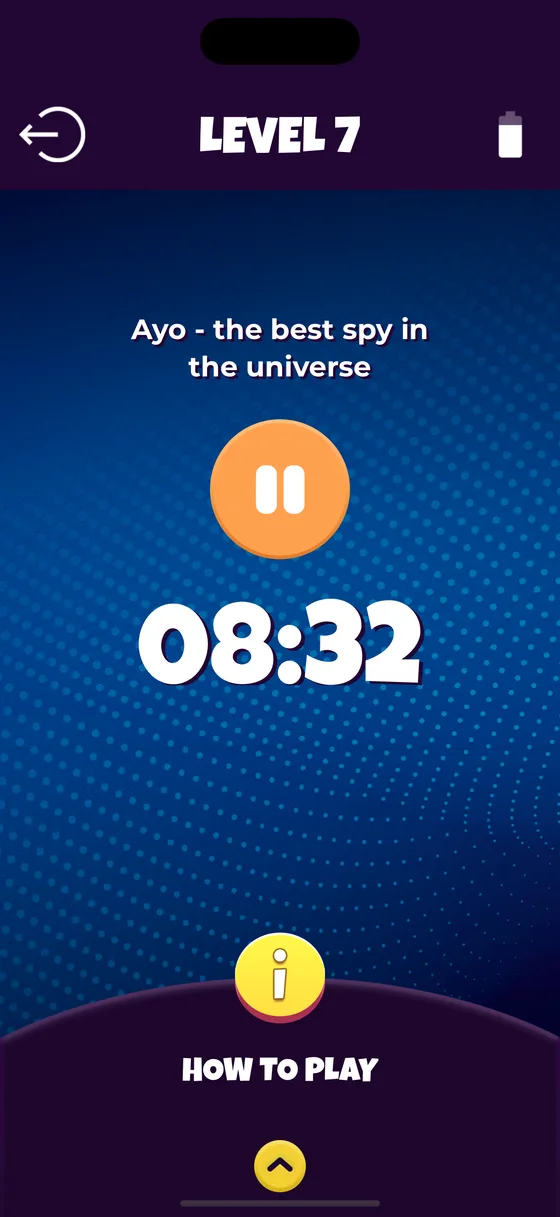
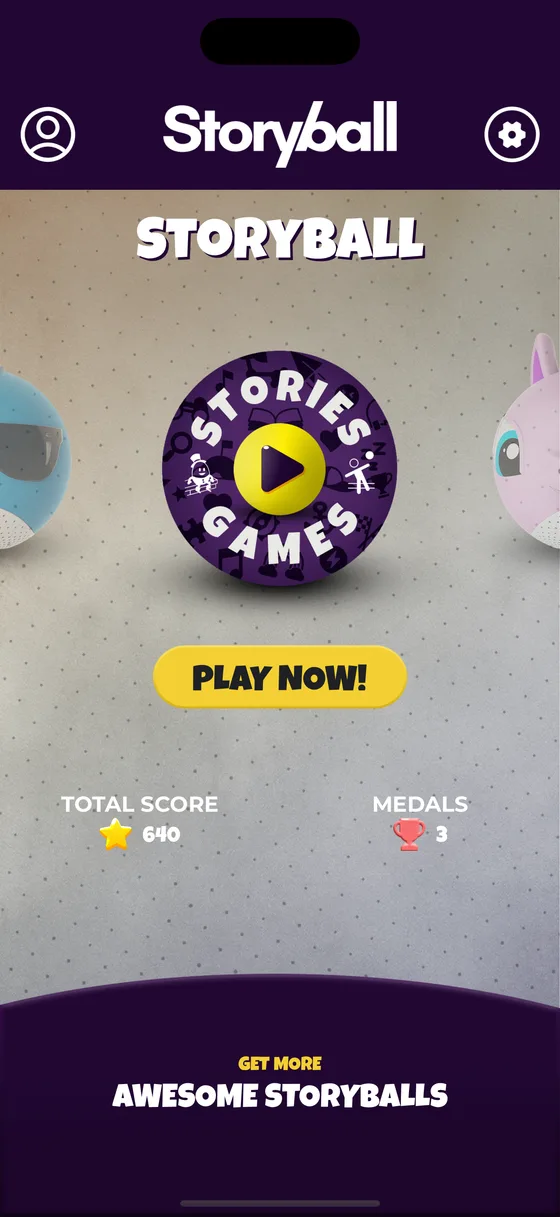
It pairs the ball, loads the content and keeps track of who has played what. The game itself happens on the ball, so there is nothing in the app for a child to watch.
-
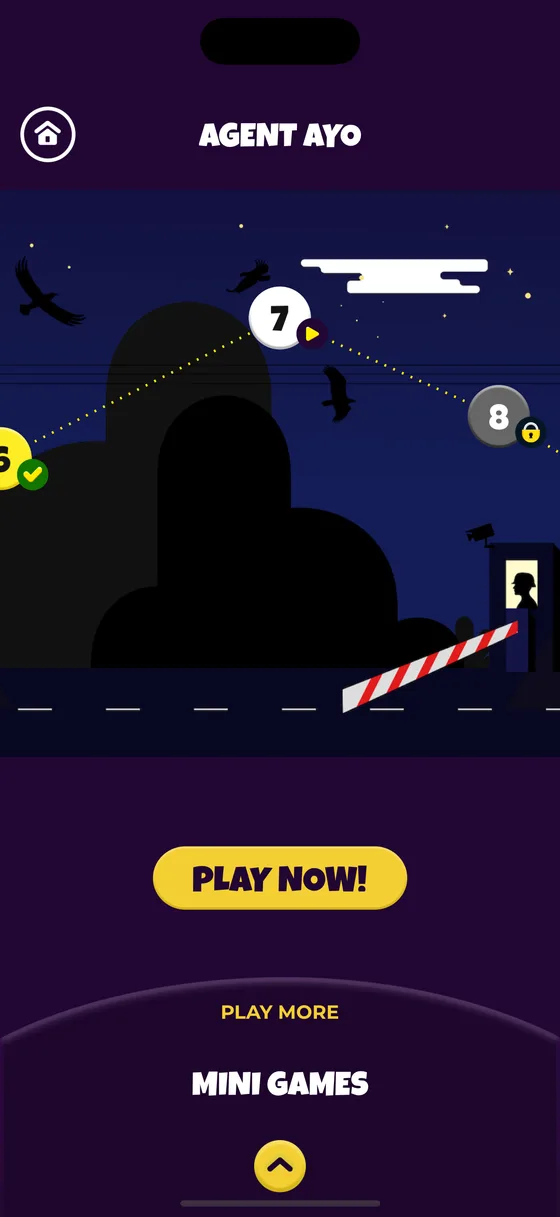
A quest with levels
Each character has a map with levels along it. Finish one and the next unlocks, so a quest started on Monday is still there to come back to on Thursday.
-
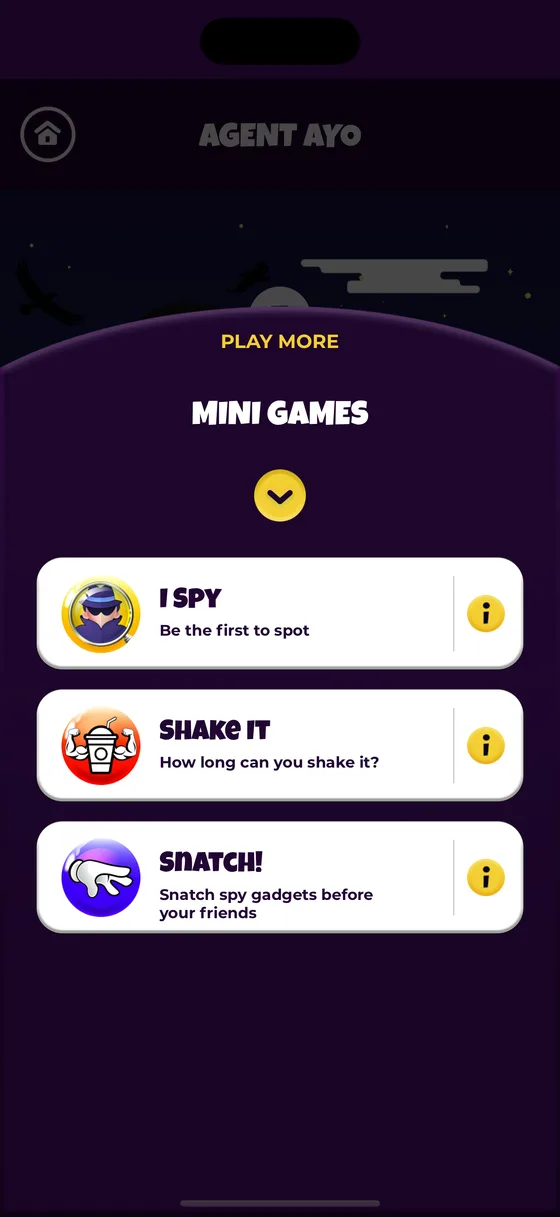
Mini games for ten minutes
Short rounds with rules that fit in one sentence, for the gap between dinner and the bath. Freeze games, guessing games, and games that are simply energetic.
-
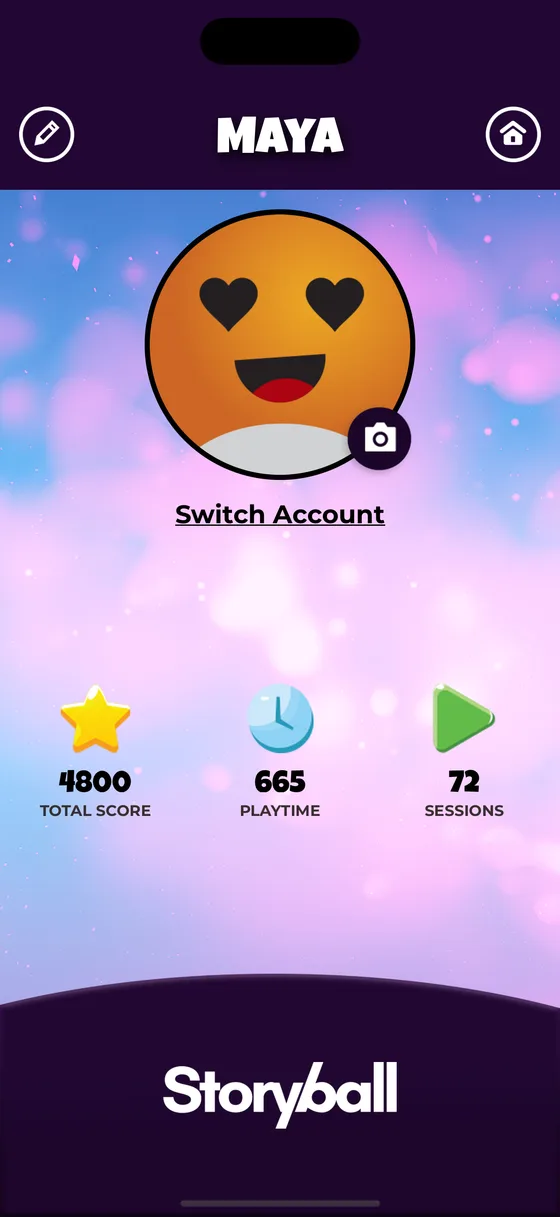
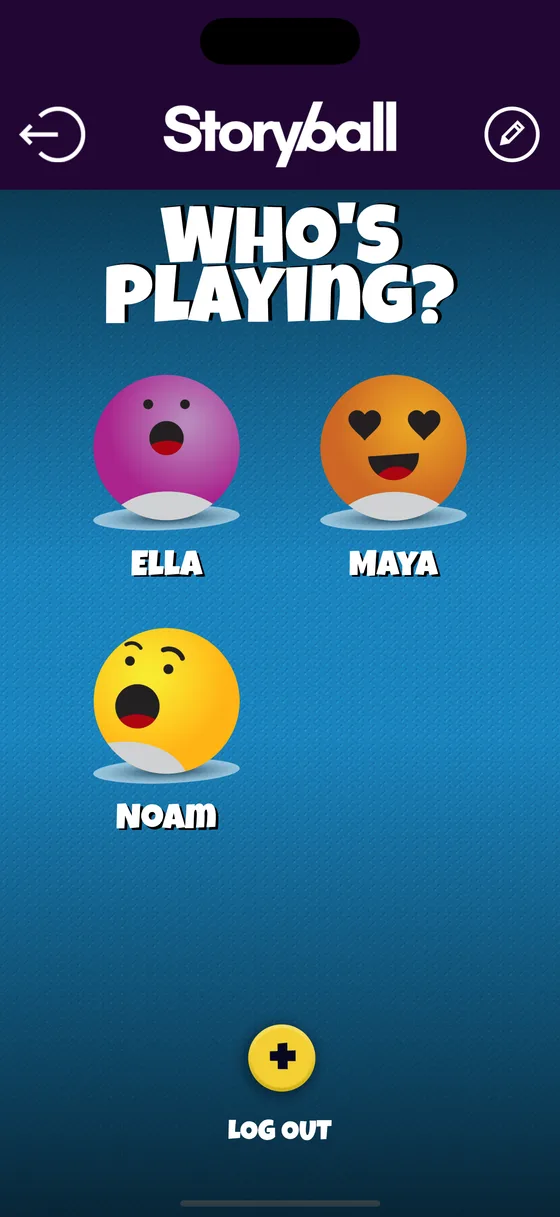
A profile per child
Several children, one ball. Scores, medals and playtime are kept separately for each, and switching between them is one tap on the who’s-playing screen.
-
Medals worth having
Awarded for finishing levels and games rather than for opening the app. Every profile has its own score and its own set of them.
-
Night mode
A separate set of quieter stories and slower games with the lights dimmed, for the half hour between the bath and the bed.
-
Nothing collected
No account, no registration, no in-app purchases. Profiles and progress are stored on the phone and go nowhere else.
What it is
A Bluetooth speaker with motion sensors in it, wrapped in a character, running games written for a room with children in it.
- Screen-free while it is being played: the game is sound, light and movement.
- Physical. The good games need floor, and several of them need more than one child.
- Readable by nobody: everything is said out loud, so a four-year-old needs no help.
- Rechargeable over USB, and it survives being thrown, which it will be.
What it is not
Said plainly, because the disappointing half of a toy is usually the half nobody wrote down.
- Not a tablet game. There is no video, and the app is not something to hand a child.
- Not a voice assistant. It runs the games it has been given; it does not answer questions.
- Not a subscription. There are no in-app purchases and nothing to unlock with money.
- Not silent. It is a speaker, and the games it is best at are the loud ones.
Answers
Questions parents ask before buying one
- Play What is a screen-free toy?
- For parents Does Storyball need a phone or tablet to play?
- Play How does Storyball know it has been thrown or shaken?
- Play What indoor games actually get kids moving?
- Play What can kids play in the car without a screen?
- For parents What can a child listen to at bedtime that is not a screen?
Quick questions
Do I need a screen to play?
No. A grown-up uses the free app to pair the ball and to load stories and games onto it, and after that the game happens out loud, in the room. The phone usually spends the whole game face down on a counter.
What age is it for?
Roughly four to nine. Younger children play the movement games and listen to the stories; older ones work through the quests and run the group games. Nothing in it requires reading.
What does a storyball actually do?
It is a speaker, a set of motion sensors, a ring of lights and a battery. It recognises over a hundred movements — throws, catches, shakes, spins, twists and taps — and answers with sound, light and a buzz.
Does it cost anything after the app?
No. The app is free, there are no in-app purchases and there is no subscription. There is no account to create either.
Can more than one child use the same ball?
Yes. The app keeps a profile per child, so scores, medals and playtime are counted separately. Switching is one tap on the who's-playing screen.
Where Storyball is now
Storyball is a finished product rather than an ongoing one: it is no longer in development, and nothing new is being added to it. What is here is what there is.
The app is still on the App Store and still free, the stories and games still download onto a ball, and mail to storyball@baansoftware.com still reaches the people who made it.
Get the app and pair your ball
Free on iPhone. It pairs the ball, loads the games onto it, and is not needed again until you want to change them.
Free. No account, no in-app purchases, nothing collected about your child.