
The app
It pairs the ball, loads the content and keeps track of who has played what. That is the whole job. The game itself happens somewhere else, which is the point of the product.
What it does
Six things, and no more than six
-
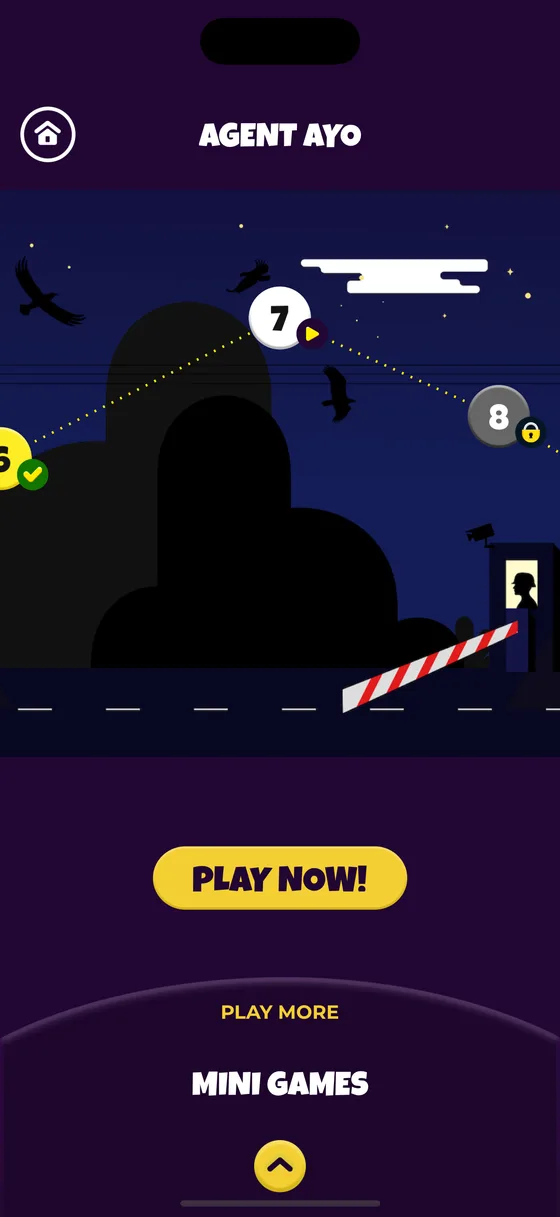
A quest with levels
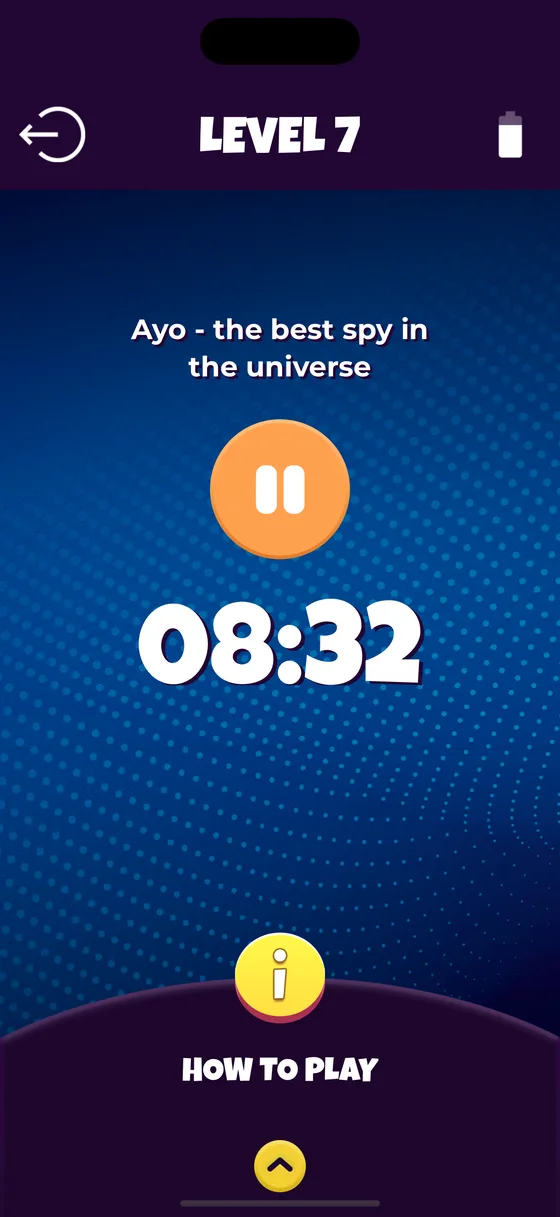
Each character has a map with levels along it. Finish one and the next unlocks, so a quest started on Monday is still there to come back to on Thursday.
-
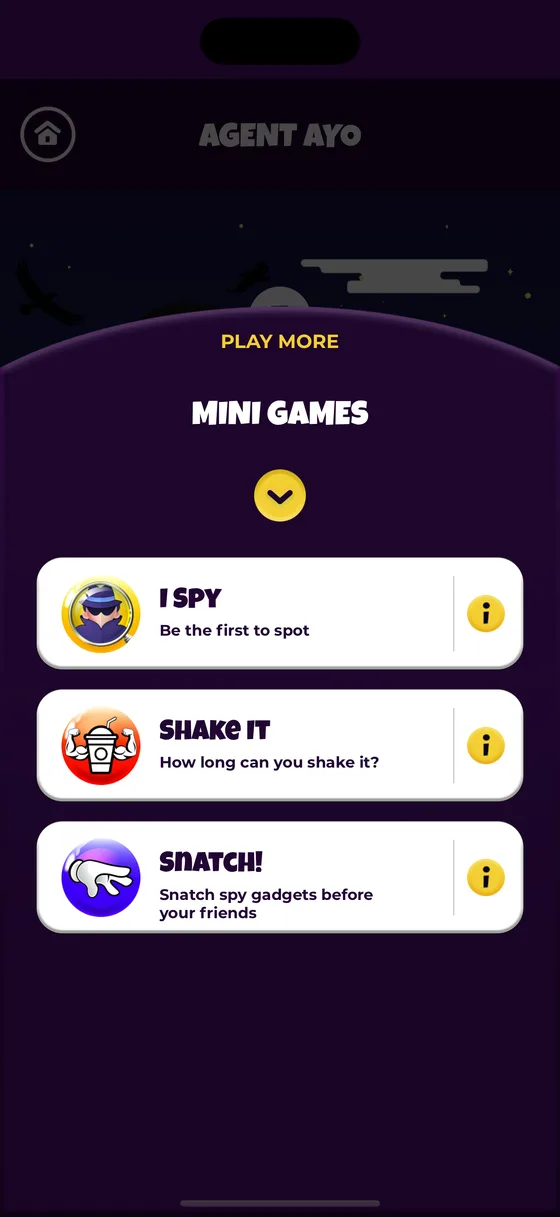
Mini games for ten minutes
Short rounds with rules that fit in one sentence, for the gap between dinner and the bath. Freeze games, guessing games, and games that are simply energetic.
-
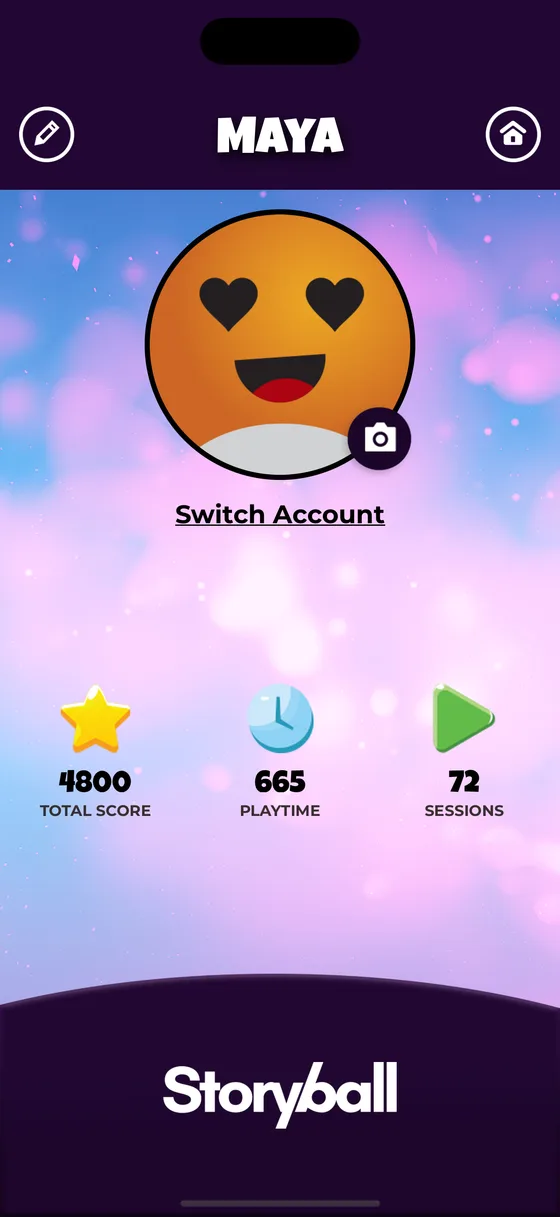
A profile per child
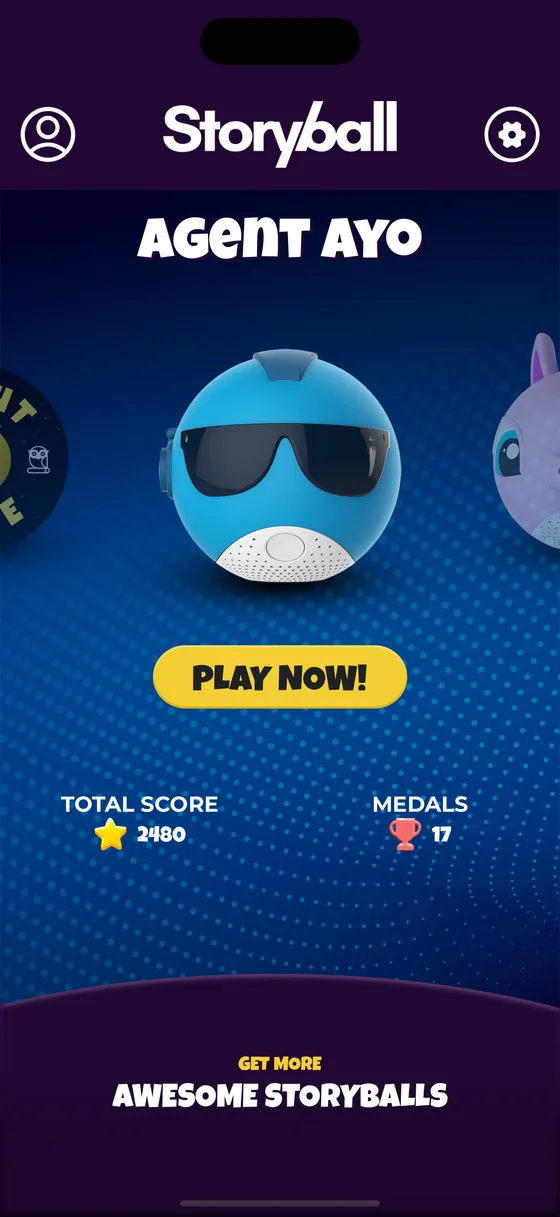
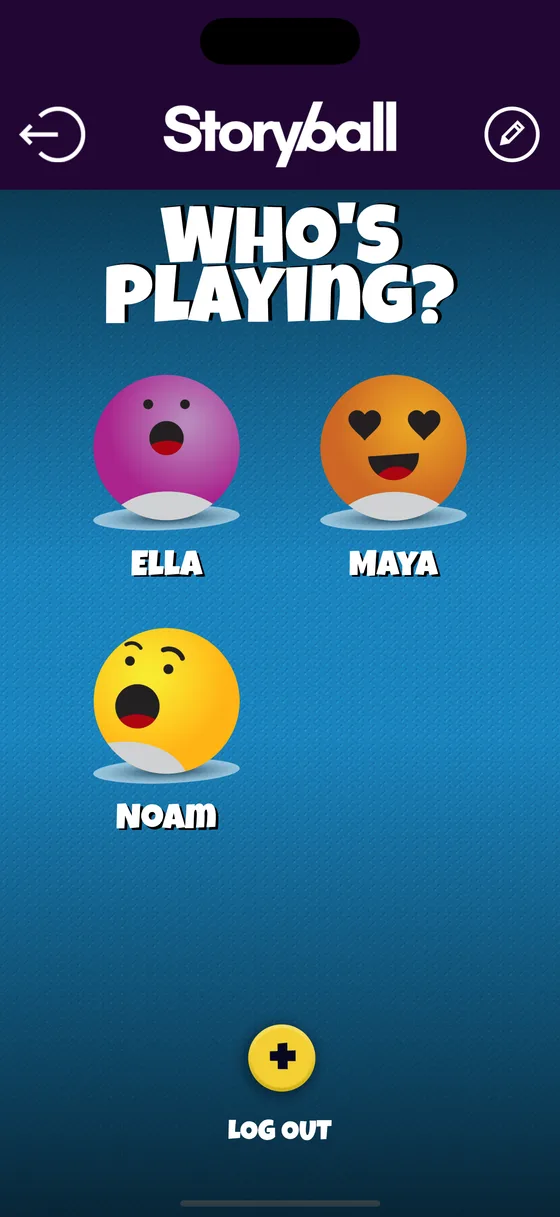
Several children, one ball. Scores, medals and playtime are kept separately for each, and switching between them is one tap on the who’s-playing screen.
-
Medals worth having
Awarded for finishing levels and games rather than for opening the app. Every profile has its own score and its own set of them.
-
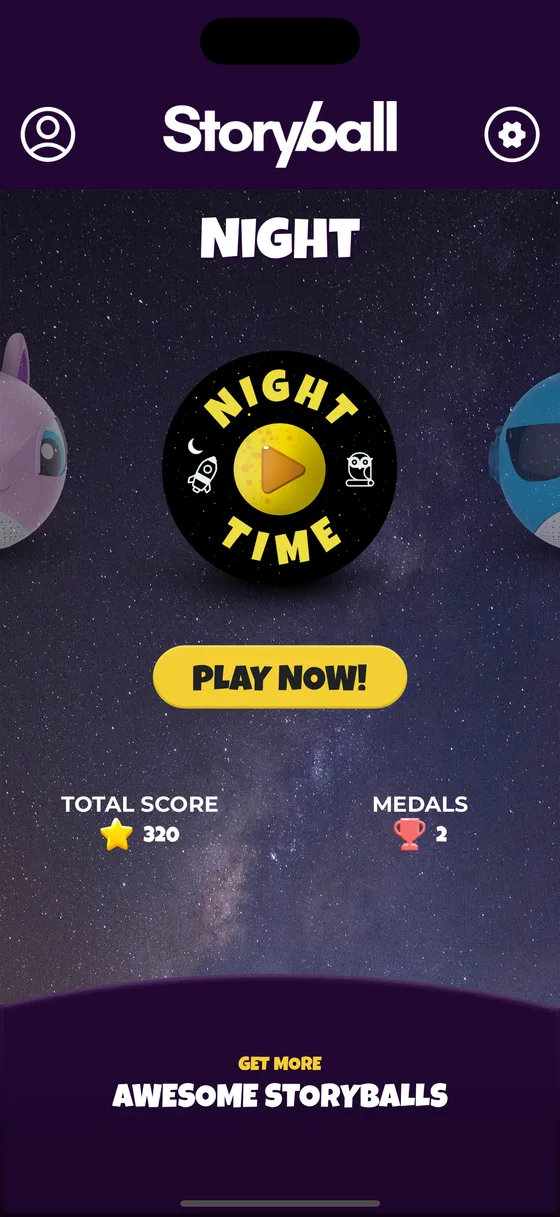
Night mode
A separate set of quieter stories and slower games with the lights dimmed, for the half hour between the bath and the bed.
-
Nothing collected
No account, no registration, no in-app purchases. Profiles and progress are stored on the phone and go nowhere else.
What a parent sets up
A profile for each child — a name and a face they pick — and then nothing else, ever. There is no account to create, no email address to hand over and no password to remember.
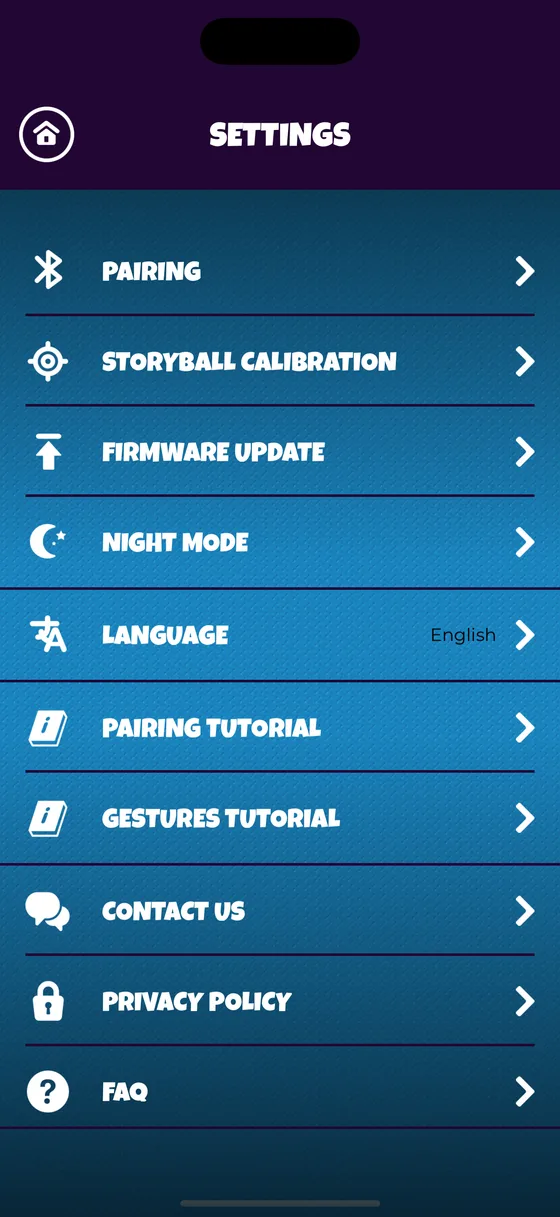
- Pairing, and re-pairing if a ball has been in a cupboard for a month.
- Which language the stories are told in.
- Night mode, for the end of the day.
- Firmware updates, which arrive occasionally and take a couple of minutes.
- Calibration, if the ball starts reading movements oddly.
What a child sees
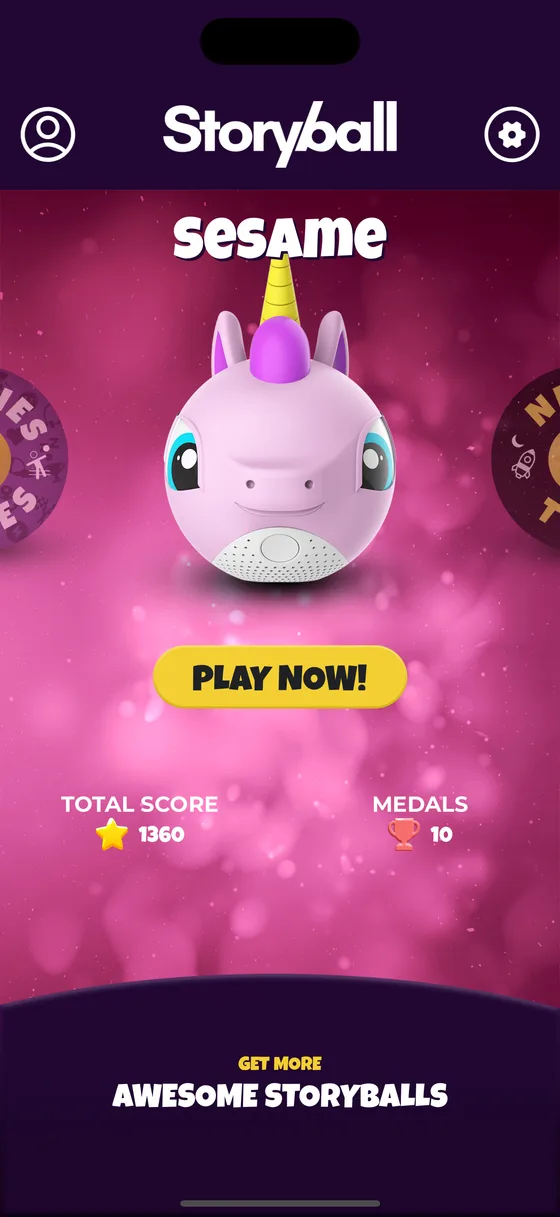
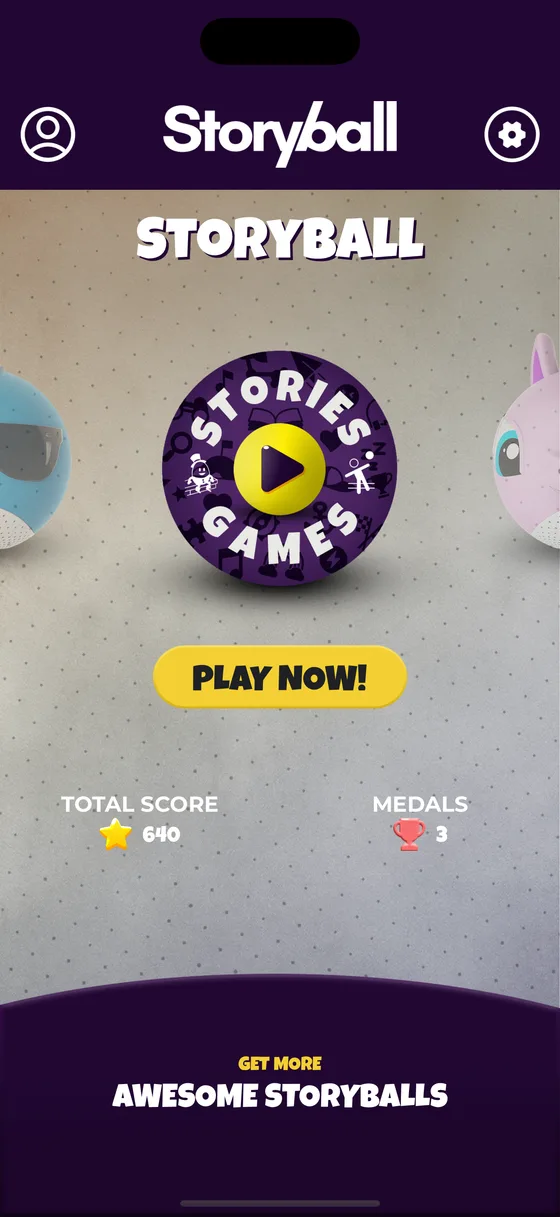
A carousel of storyballs, a big yellow button that says PLAY NOW, and their own score and medals underneath it. That is deliberately the entire interface.
- No feed, no timeline and nothing that refreshes.
- No chat, no friends list and nothing public.
- No advertisements of any kind.
- No shop, and nothing to buy from inside the app.
- Nothing that requires reading.
Privacy
Nothing about your child leaves the phone
Profiles, scores, medals and playtime live in the app’s own storage on the device. There is no account, so there is nothing to log in to and nothing held about anyone.
The app does reach the internet for one thing: downloading stories, games and artwork so the ball has something new to play. Those requests ask for files. They carry nothing about your child, and nothing about your child goes up with them.
There are no in-app purchases and no subscriptions, so no payment details exist anywhere in it. The full text is on the privacy policy, which is also where the app's own Settings screen sends you.
Free, on the App Store
41.3 MB, iOS 13.0 and later, rated 4+.
Free. No account, no in-app purchases, nothing collected about your child.